
Download
Download the beta
Version 1.5.6-beta.1 · macOS 13 or later · Apple silicon or Intel. All 15 spoons in one download, no account.
Signed with a Developer ID and notarised by Apple.


It’s a beta
This is my first public beta. I tested it with five friends on their laptops, all Apple silicon with different macOS versions, and it ran on every one. I haven’t had an Intel Mac to try it on yet. If teespoons doesn’t open for you, write to [email protected] with your Mac model and macOS version (Apple menu → About This Mac). If it opens but something goes wrong, paste the details into the mail: the spoon in the menu bar → Open TeeSpoons → Settings → About → Copy details for a bug report.
On 1 December 2026 the shortcuts stop working. Nothing gets deleted, and from 10 November 2026 the app reminds you once a day.
Four steps, about two minutes
-
Drag it into Applications
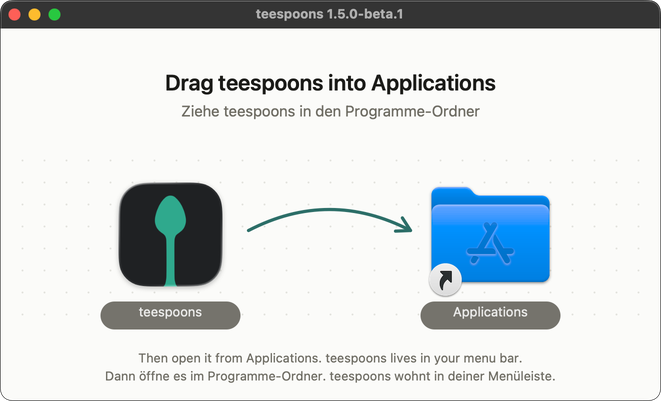
Open teespoons-1.5.6-beta.1.dmg in Downloads. In the window that opens, drag teespoons onto the Applications folder next to it.
-
Open it from Applications
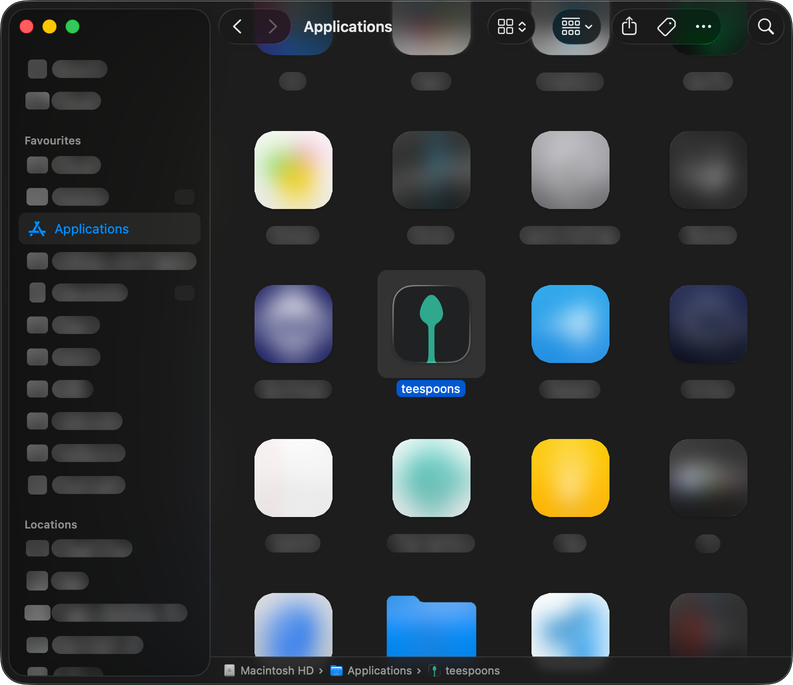
Double-click teespoons in Applications. macOS asks once whether you want to open an app from the internet. Click Open. If the installer is still open, teespoons offers to eject it and move it to the Trash.
-
Give it access
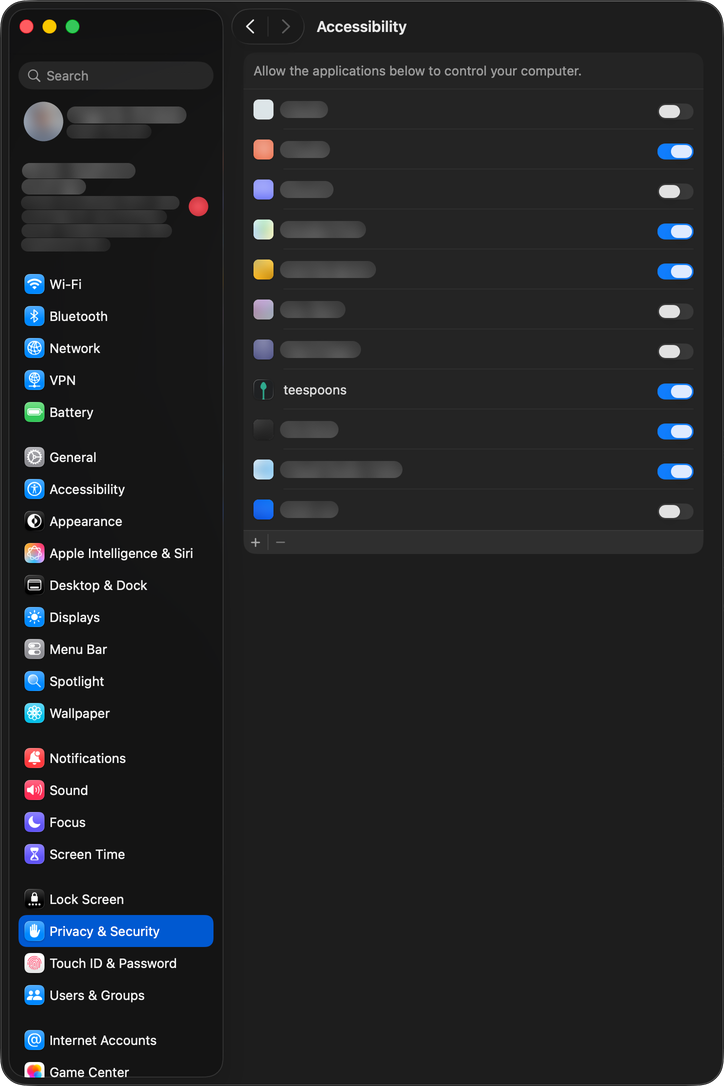
A little spoon shows up in your menu bar and the teespoons window opens. The first thing it asks for is Accessibility. Click Open System Settings and switch teespoons on under Privacy & Security → Accessibility. That’s what lets it move windows and type for you. Once it’s on, teespoons carries on by itself.
-
Your first shortcut
Next, teespoons shows you your first shortcut. Press Control Option Command Right arrow ⌃⌥⌘ → and the window slides into the right half. Then comes the rest of WindowSnap, one shortcut at a time. Later, Control Option Command 0 ⌃⌥⌘ 0 or the spoon in the menu bar opens teespoons again. Every spoon is there, with its keys and a short tutorial.
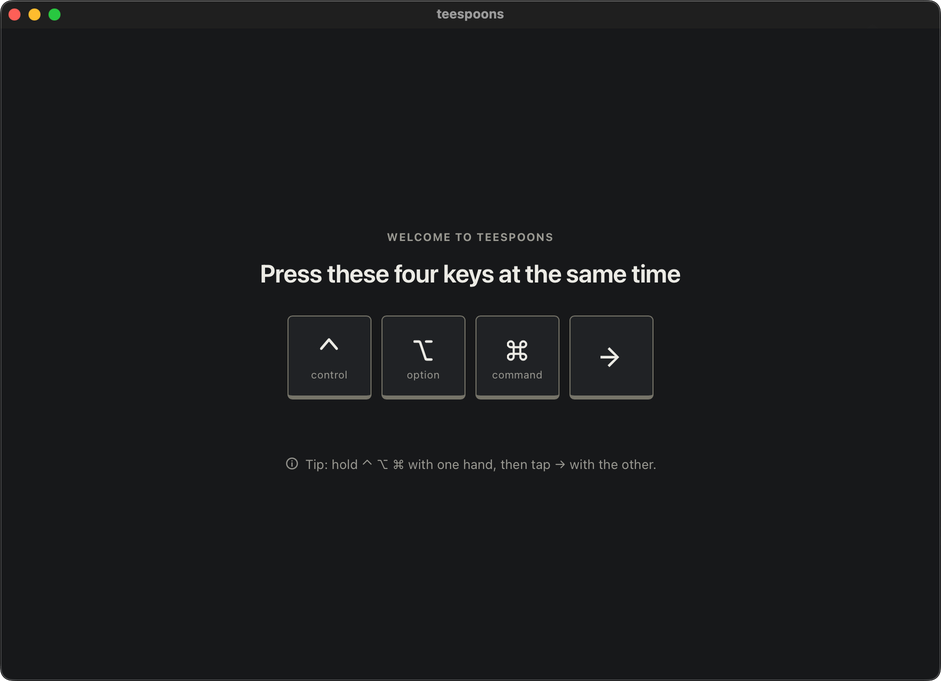


On a Mac in German, Open is Öffnen, System Settings is Systemeinstellungen, Privacy & Security is Datenschutz & Sicherheit and Accessibility is Bedienungshilfen.
Good to know
What it runs on
macOS 13 or later · Apple silicon or Intel, native on both. I use it every day on an Apple silicon MacBook with the current macOS.
No telemetry
teespoons has no analytics and no account. Translate only talks to DeepL if you paste in your own key (how to get a free one). Dictation downloads its speech model once. Every request is listed on the privacy page.
Uninstalling
Quit teespoons and drag the app to the Trash. Then delete ~/Library/Application Support/TeeSpoons. Your Timelapse recording is in there too, unless you picked another folder in Settings. Your films are in Movies › teespoons.
Want to see what’s inside first? All 15 spoons